> ## Documentation Index
> Fetch the complete documentation index at: https://ayakaleaf-pro.mintlify.site/llms.txt
> Use this file to discover all available pages before exploring further.
# 6. Post-installation tasks
### Creating your first administrator account
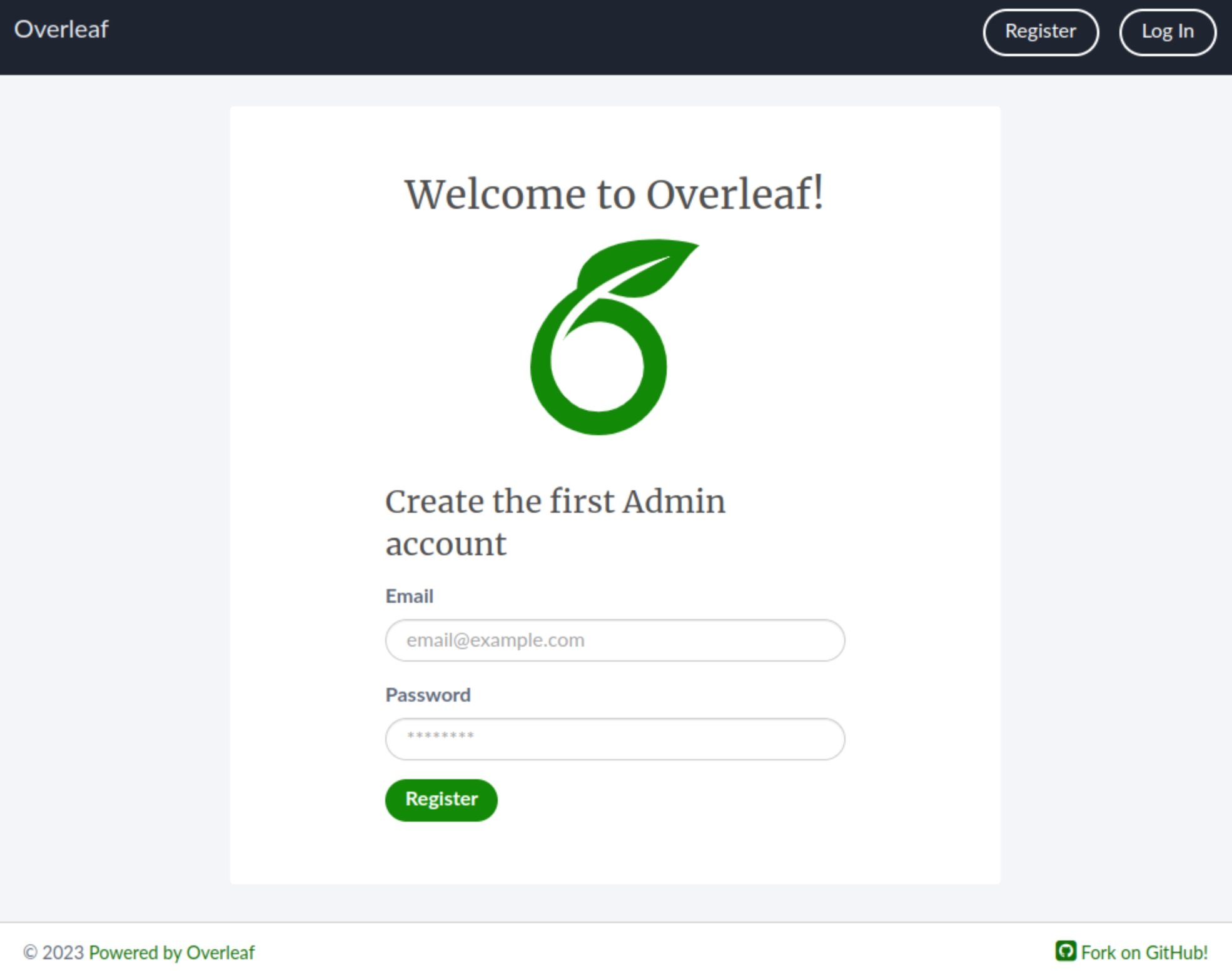
In a browser, open [http://localhost/launchpad](http://localhost/launchpad). You should see a form with email and password fields. Fill these in with the credentials you want to use as the administrator account, then click **Register**.
Passwords must be at least 8 characters long (no more than 72), cannot contain email addresses or be too similar to email addresses, and must contain only valid characters.
 Then click the link to go to the login page ([http://localhost/login](http://localhost/login)). Enter the credentials. Once you're logged in, you'll see the welcome page.
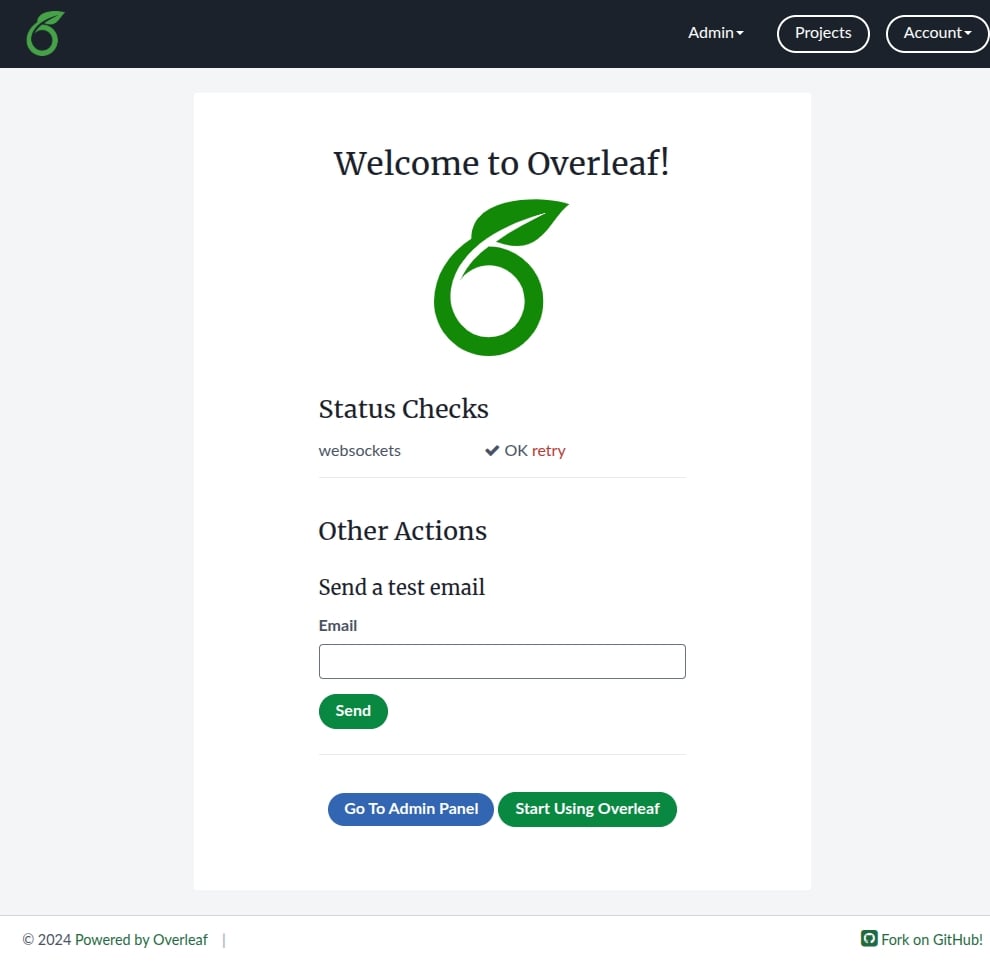 Click the green button at the bottom of the page to start using Overleaf.
### Creating your first example project
Open [http://localhost/project](http://localhost/project) in your browser and you will see a button prompting you to create your first project.
Click the green button at the bottom of the page to start using Overleaf.
### Creating your first example project
Open [http://localhost/project](http://localhost/project) in your browser and you will see a button prompting you to create your first project.
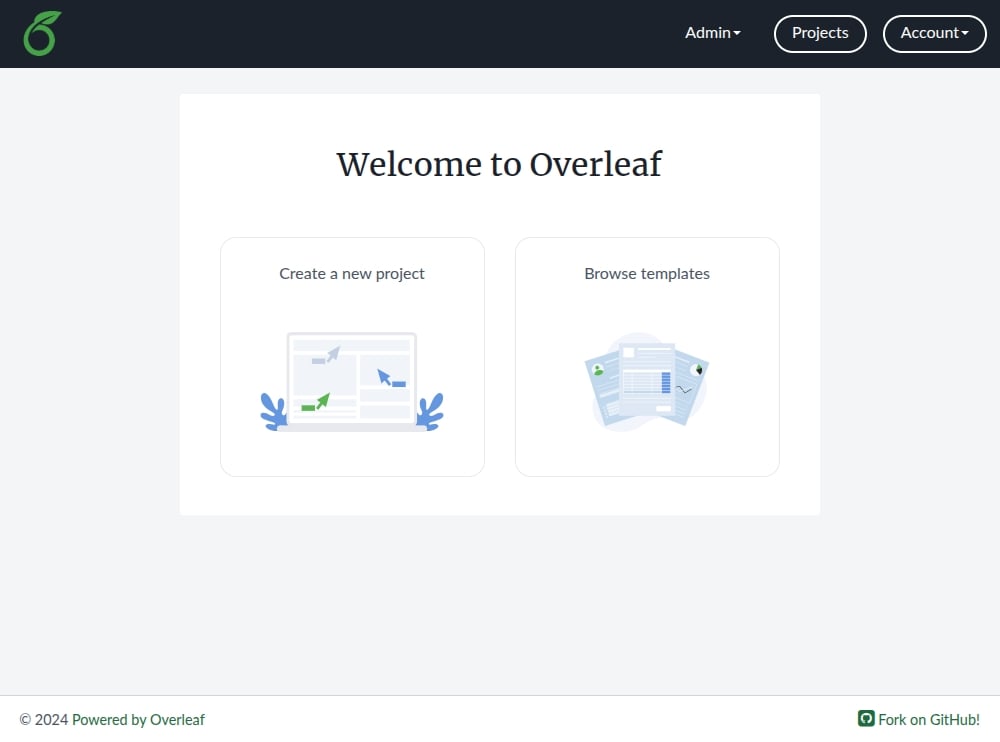 Click this button, select Example Project, and follow the on-screen instructions.
You will be taken to the new project, where you will see a text editor and a PDF preview.
Click this button, select Example Project, and follow the on-screen instructions.
You will be taken to the new project, where you will see a text editor and a PDF preview.
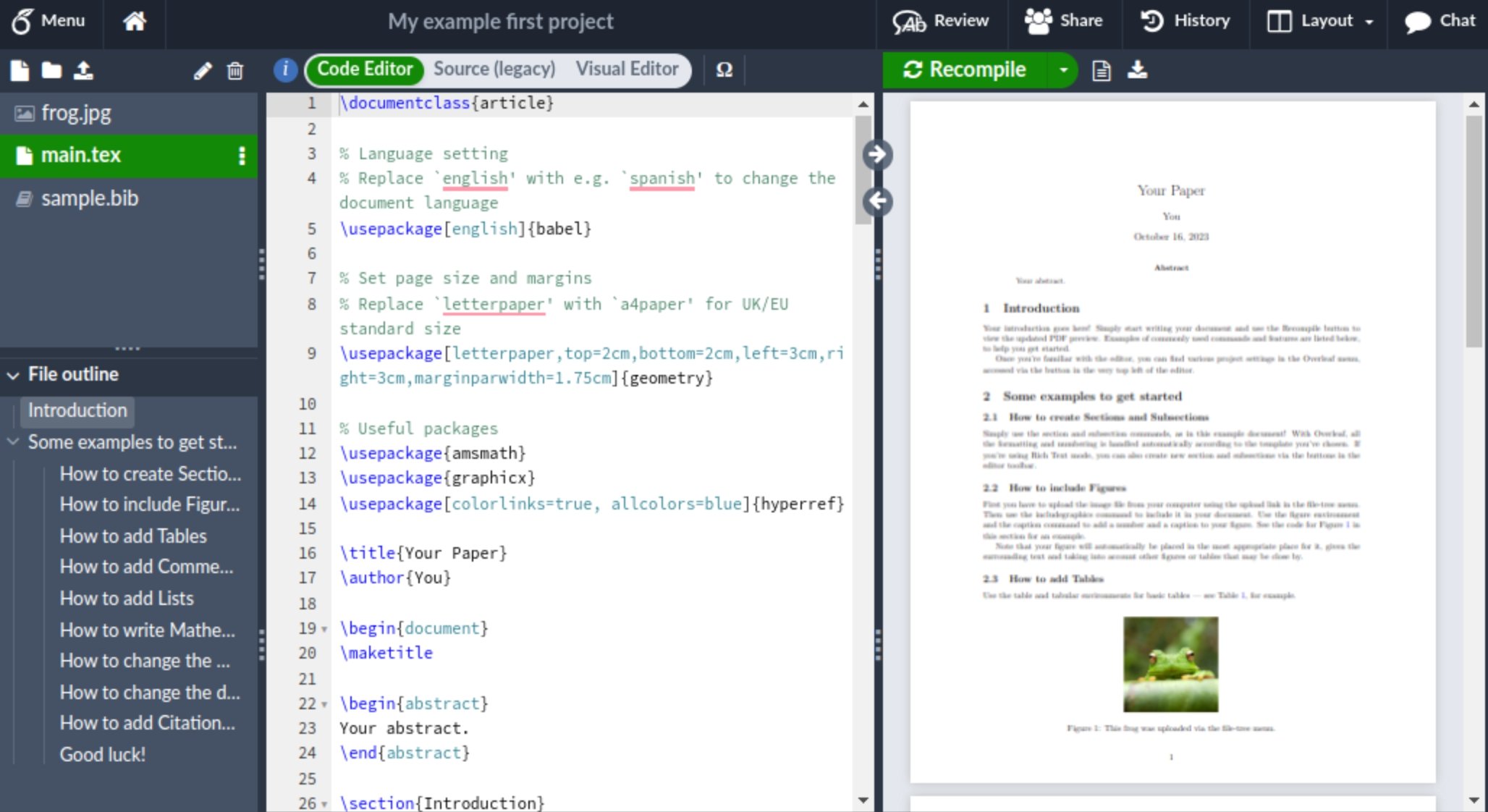 To finish you can click on the **Home** icon to return to your projects page.
This documentation is built and hosted on [Mintlify](https://mintlify.com), a developer documentation platform.
To finish you can click on the **Home** icon to return to your projects page.
This documentation is built and hosted on [Mintlify](https://mintlify.com), a developer documentation platform.