

This feature is developed by ayaka-notes/ayakaleaf-pro, modified by yu-i-i/overleaf-cep. It is introduced from v6.2.0 and later. It’s still in beta status. We need your feedback if you have any problem.
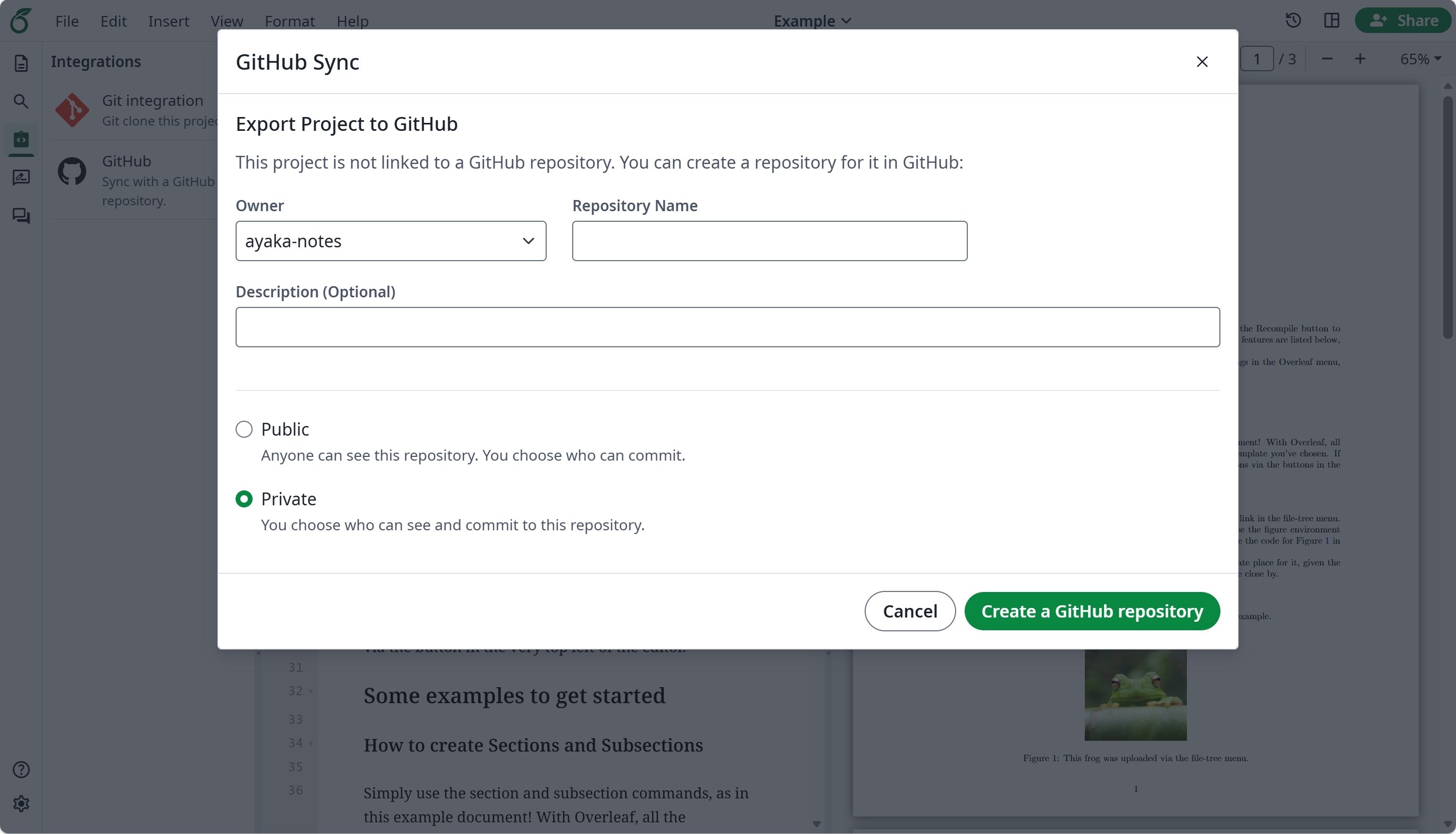
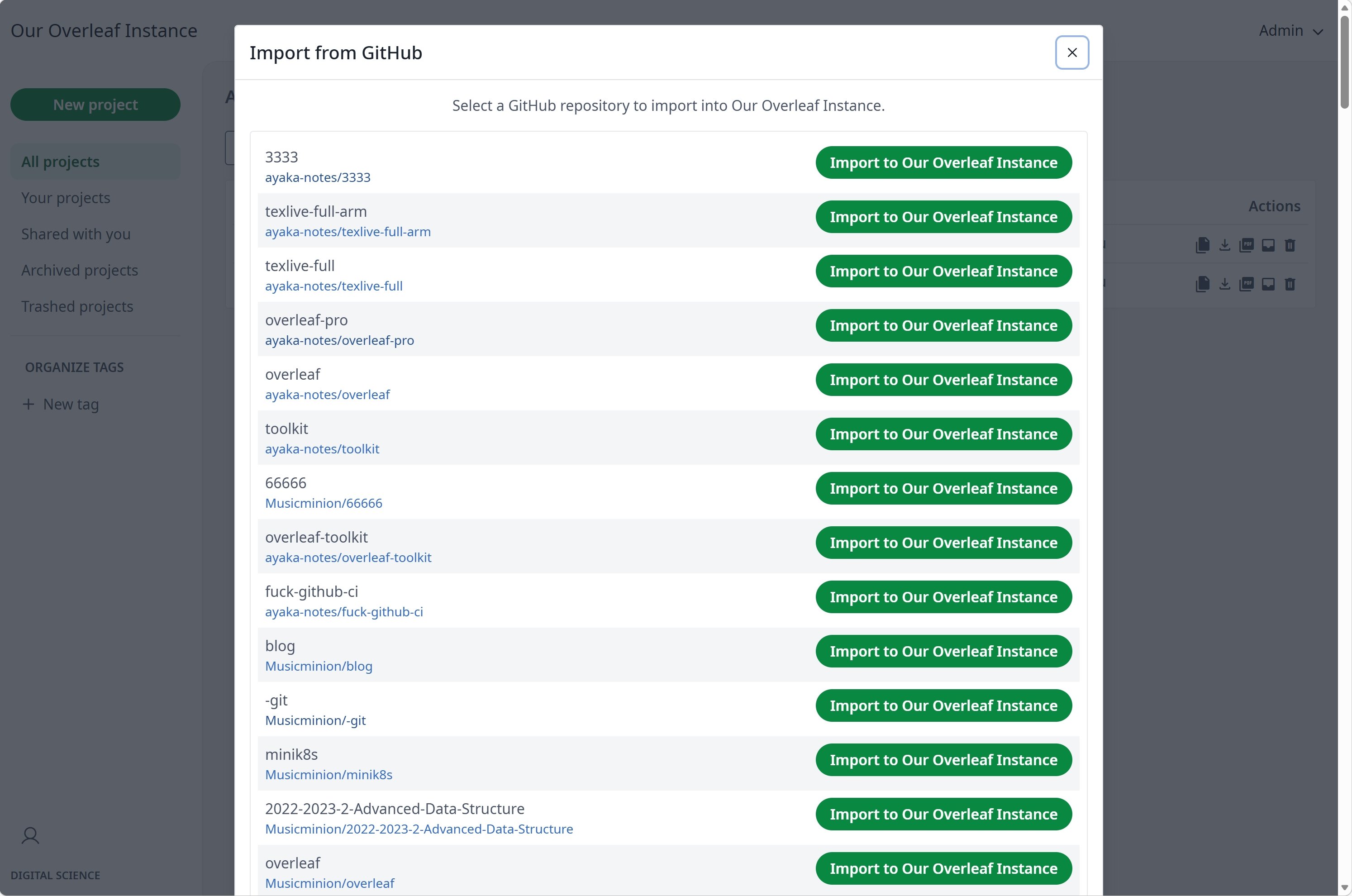
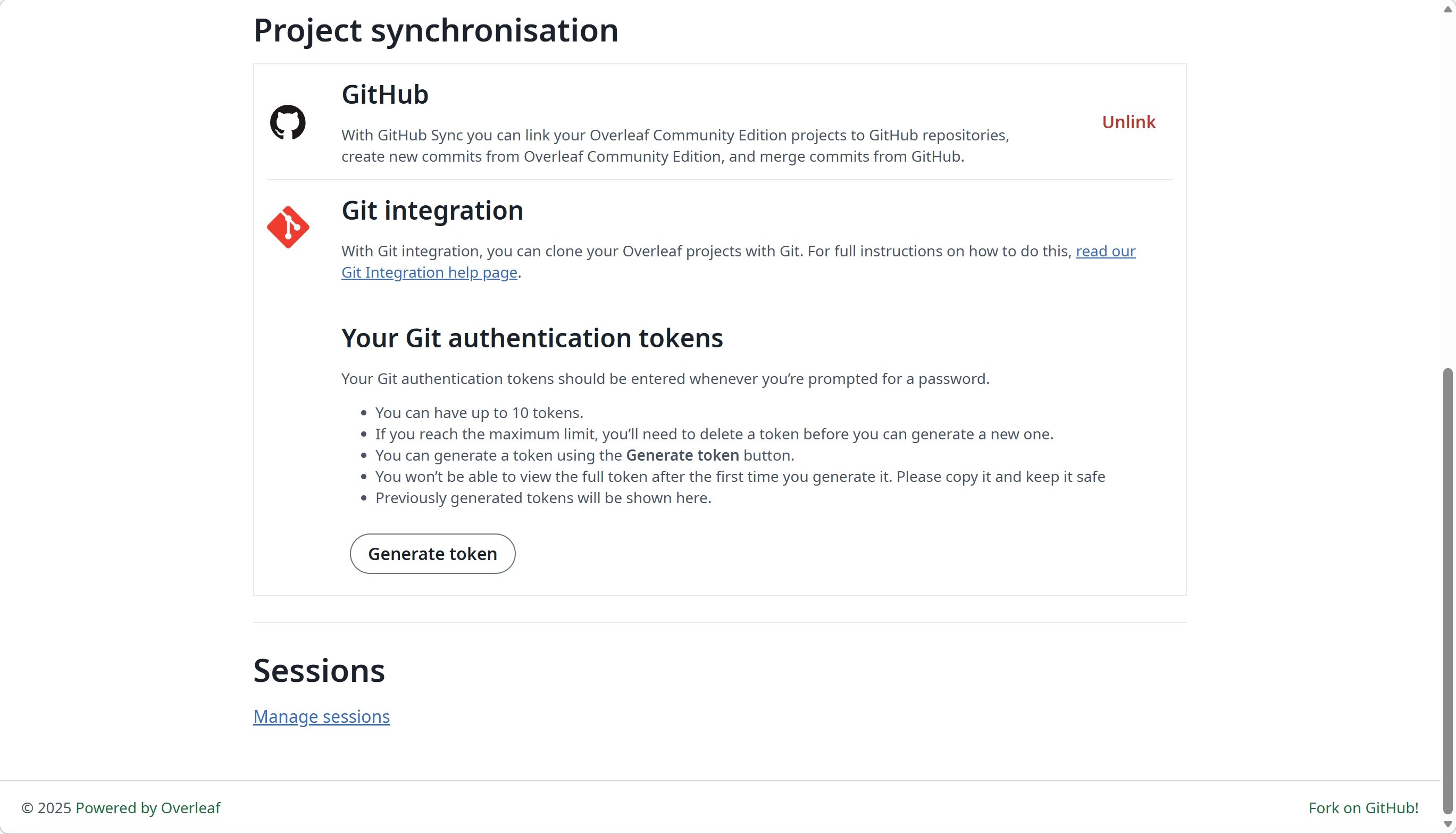
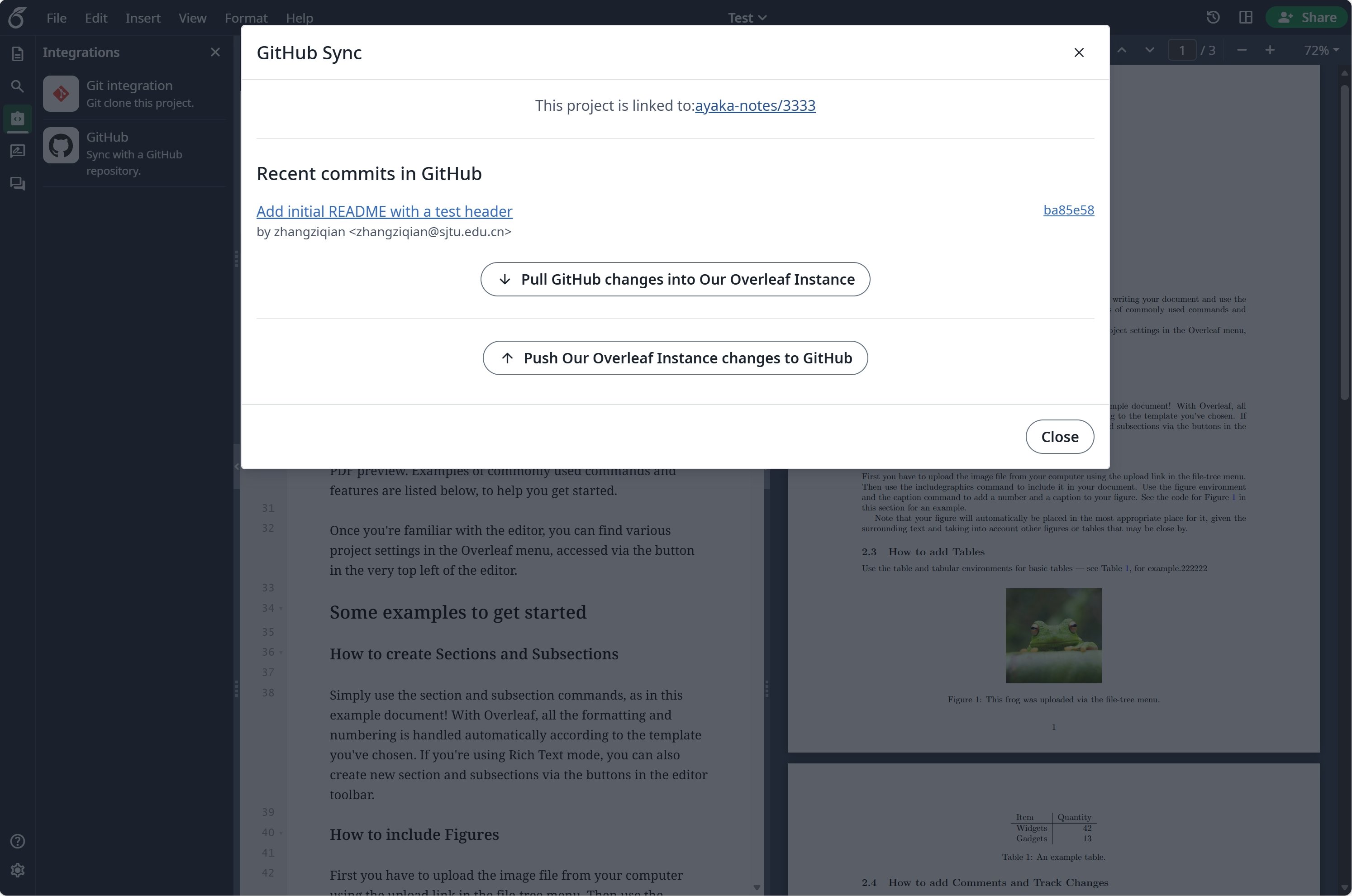
Setup GitHub Synchronisation
Visit developers settings to create your GitHub OAuth application, and copy yourCLIENT_ID and SECRET.
Notes: your OAuth callback URL is: ${OVERLEAF_SITE_URL}/user/github-sync/oauth2/callback.
Then, add the following settings to your overleaf env var files.
config/variables.env
GITHUB_SYNC_PROXY_URL=http://10.0.0.1:10808.