

bin/init --tls to initialise local configuration with NGINX proxy configuration, or to add NGINX proxy configuration to an existing local configuration. A sample private key is created in config/nginx/certs/overleaf_key.pem and a dummy certificate in config/nginx/certs/overleaf_certificate.pem. Either replace these with your actual private key and certificate, or set the values of the TLS_PRIVATE_KEY_PATH and TLS_CERTIFICATE_PATH variables to the paths of your actual private key and certificate respectively.
A default config for NGINX is provided in config/nginx/nginx.conf which may be customised to your requirements. The path to the config file can be changed with the NGINX_CONFIG_PATH variable.
If you have a docker-compose.yml based deployment, or manage your own NGINX reverse proxy, you can view an example nginx.conf file here.
config/overleaf.rc file if it is not there already:
If you are using an external TLS proxy (i.e. not managed by the Overleaf Toolkit), please ensure that
OVERLEAF_TRUSTED_PROXY_IPS=loopback,<ip-of-your-tls-proxy> is set in your config/variables.env, e.g. OVERLEAF_TRUSTED_PROXY_IPS=loopback,192.168.13.37.If you are using a subnet from
172.16.0.0/12 (default subnet for Docker networks) for your local network, you will need to set OVERLEAF_TRUSTED_PROXY_IPS=loopback,<network> in your config/variables.env. Where <network> is the IPAM -> Config -> Subnet value in docker inspect overleaf_default, e.g. OVERLEAF_TRUSTED_PROXY_IPS=loopback,172.19.0.0/16. This is to prevent the spoofing of X-Forwarded headers.If the
OVERLEAF_TRUSTED_PROXY_IPS is not set manually it defaults to loopback. If setting manually, you must ensure you include loopback (or 127.0.0.1), which trusts the nginx instance running inside the sharelatex container. Only IP addresses and CIDR ranges are accepted: do not add hostnames such as localhost, otherwise Overleaf fails to start and returns 502 Bad Gateway./user/sessions page like this:
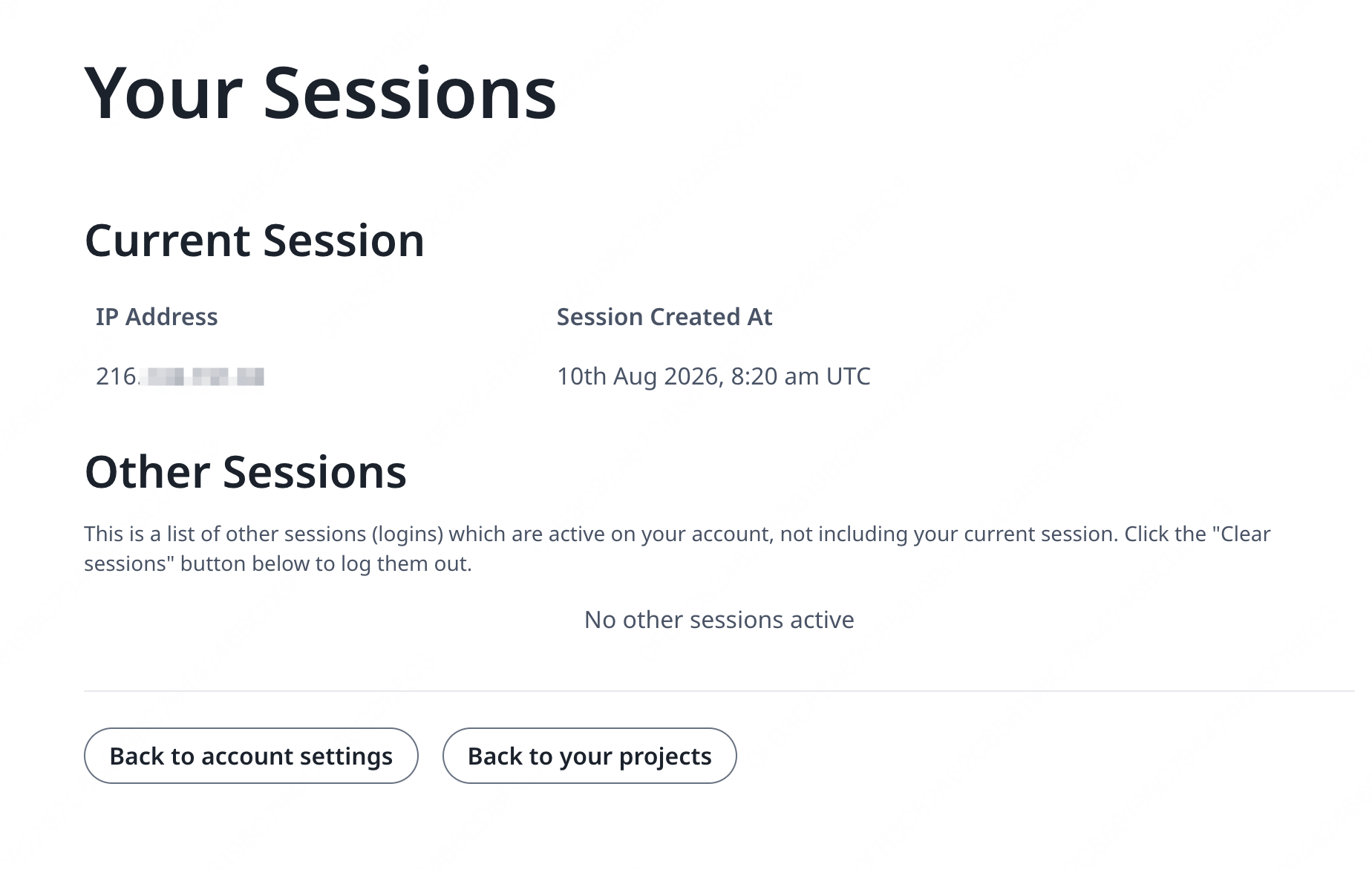
127.0.0.1 or a private/local network IP address, please check your trusted proxy configuration, especially the value of OVERLEAF_TRUSTED_PROXY_IPS.
In order to run the proxy, change the value of the NGINX_ENABLED variable in config/overleaf.rc from false to true and re-run bin/up.
By default, the HTTPS web interface will be available on https://127.0.1.1:443. Connections to http://127.0.1.1:80 will be redirected to https://127.0.1.1:443. To change the IP address that NGINX listens on, set the NGINX_HTTP_LISTEN_IP and NGINX_TLS_LISTEN_IP variables. The ports can be changed via the NGINX_HTTP_PORT and TLS_PORT variables.
If NGINX fails to start with the error message Error starting userland proxy: listen tcp4 ... bind: address already in use ensure that OVERLEAF_LISTEN_IP:OVERLEAF_PORT does not overlap with NGINX_HTTP_LISTEN_IP:NGINX_HTTP_PORT.